

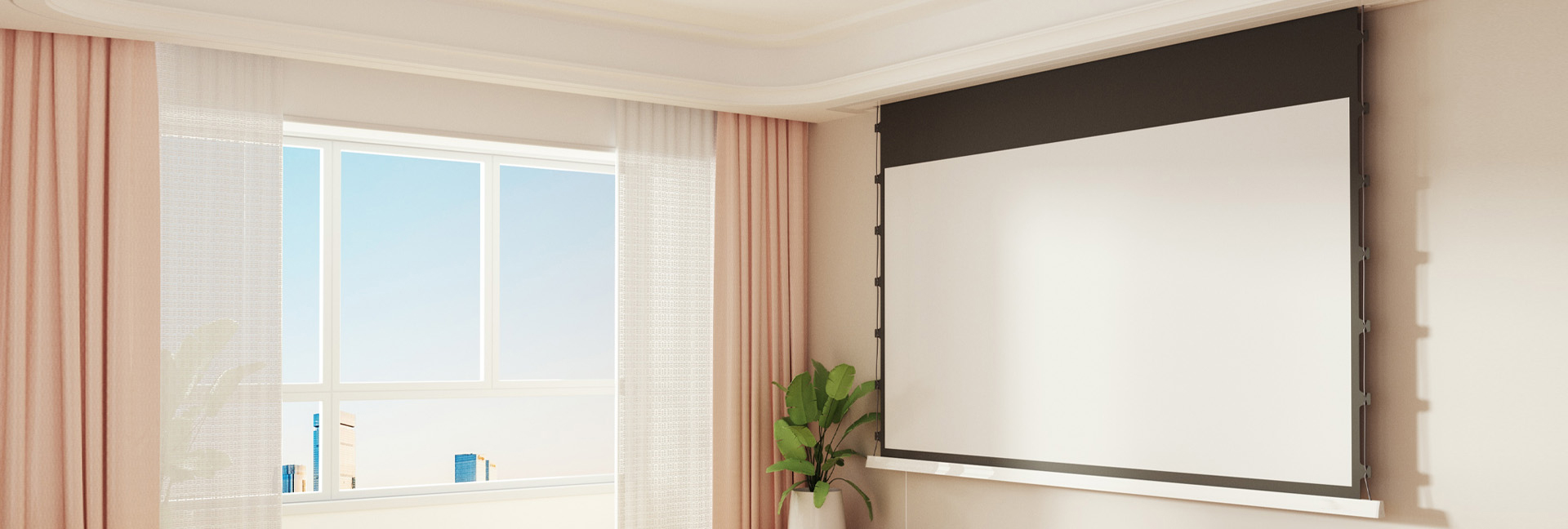
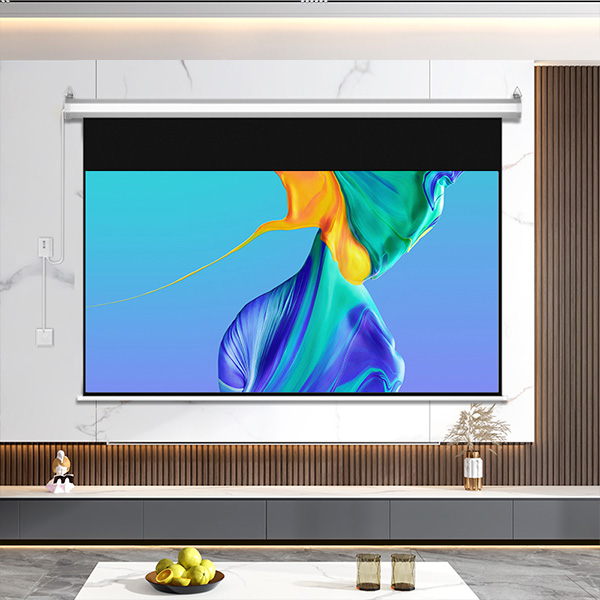
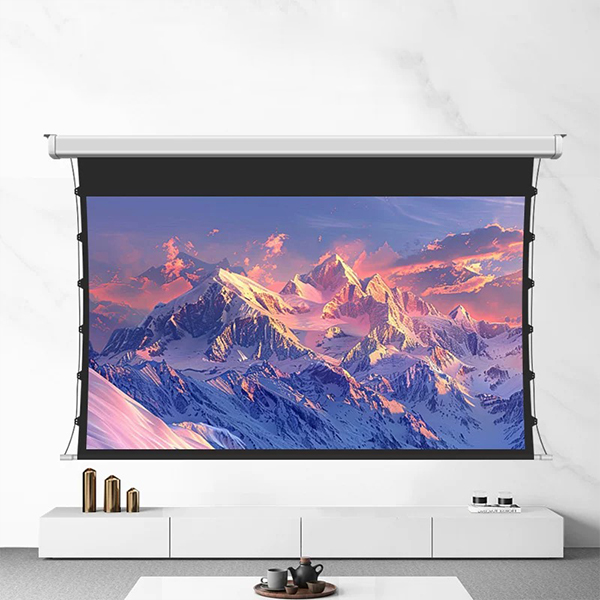
Remote working has undergone structural changes in the past few years. From a temporary alternative to becoming part of the organizational norm, the form of the workspace is being redefined. Laptops, external monitors, height-adjustable desks, and video conferencing equipment constitute the current mainstream configuration, but the technological path has not stopped evolving. In recent years, desktop projection screens have begun to enter the discussion, and whether they will become the next stage of remote working scenarios deserves systematic analysis.
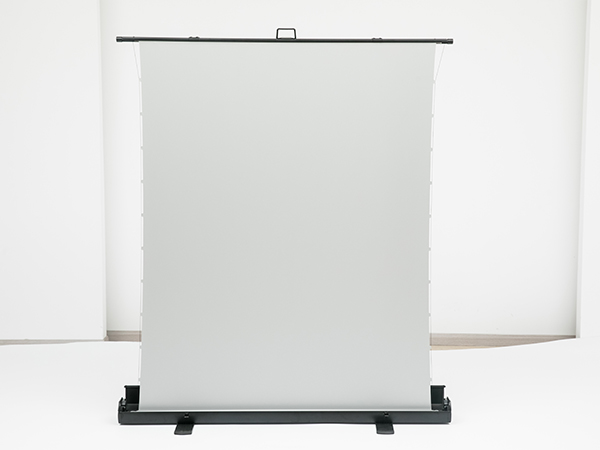
I. Background of Technological Evolution
The development of display technology has always revolved around two core goals: larger viewing area and higher space utilization efficiency. From traditional LCD monitors to ultra-wide curved screens, and then to portable projectors, the boundaries of physical screens are being broken. Manufacturers like XGIMI, Epson, and BenQ have achieved desktop-sized short-throw and ultra-short-throw projection technologies, capable of projecting large images from relatively close distances. This technological breakthrough makes "screenless" work interfaces possible.
At the same time, the maturity of operating systems and cloud computing means that changes in terminal hardware form factors no longer affect core productivity tools. Whether it's multi-window management based on Windows 11 or desktop extension functions based on macOS, they can adapt to different display carriers. This provides the software foundation for desktop projection to become the primary office interface.
II. Potential Advantages of Desktop Projection
First, significantly enhanced spatial flexibility. Traditional monitors occupy a fixed desktop space, while projectors can be hidden on the edge of the desktop or in a stand, projecting while working and retracting afterward. This is attractive to those with limited home office space.
Second, greater flexibility in display area. The projected image can be scaled according to the desktop size, achieving an experience similar to a "virtual ultrawide screen." For professions requiring multi-window parallel processing, such as data analysts, product managers, or designers, a large screen helps reduce the frequency of window switching.
Third, potentially upgraded interaction methods. Combined with touch recognition or gesture capture technology, desktop projection can transform into a semi-immersive operating interface. Such explorations have already yielded proof-of-concept studies in Microsoft's experimental projects and Google's spatial computing research, but have not yet become standard consumer products.
III. Real-world Constraints and Challenges
Despite the promising future, several key issues still need to be addressed before desktop projection can become a mainstream configuration.
The first is display quality. Compared to high-resolution displays, projectors still lag behind in brightness, contrast, and color accuracy. For tasks requiring high color accuracy, such as design and video editing, traditional display devices remain more stable.
Secondly, there's environmental dependence. Projectors are sensitive to lighting conditions; strong ambient light reduces image clarity, a common issue in daytime home office scenarios. Unless paired with a high-brightness light source or a specific screen, the experience is limited.
Thirdly, there's cost and reliability. Ultra-short-throw technology and high-resolution modules are not inexpensive, and prolonged continuous use places demands on the cooling system. In contrast, mature displays offer more control over stability and maintenance costs.
IV. IV. Possible Development Paths
From an industry trend perspective, desktop projection is more likely to emerge as a "supplementary device" rather than a complete replacement solution. For example, users can add projection areas to their regular displays for temporary display of mind maps, timelines, or data panels. This hybrid approach is more realistic than a single alternative path.
Furthermore, integration with spatial computing devices is noteworthy. Headsets like the Apple Vision Pro are exploring virtual multi-screen work environments. If future projection systems combine with spatial awareness to create virtual extended interfaces that don't require wearable devices, the role of desktop projectors may change.
V. Conclusion Desktop projection screens will not completely replace traditional monitors in the short term, but they represent a trend: the office interface is transitioning from a fixed physical carrier to a variable spatial interface. Given the continued existence of remote work, users' demands for spatial efficiency and immersive experiences will drive the coexistence of multiple display forms.
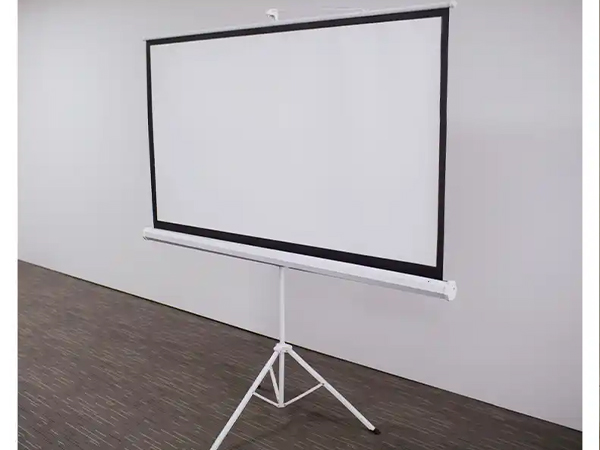
Therefore, rather than discussing "whether it will become the future," it is better to understand it as "whether it will become one of the important options." From the perspective of technological maturity and suitability for use cases, desktop projection is feasible for specific groups and spaces, but it is still far from widespread adoption. Future remote work setups are more likely to be a diversified landscape where monitors, projectors, and spatial computing devices develop in parallel.


